Getting Started & Access

Your existing login credentials remain the same, so you can just log in as you normally do. No action is needed to access the new dashboard - everything is available automatically.

Overview Page - What You'll See First
When you log into the new OCM Publisher Dashboard, the Overview page is where you land first. It's your home base - offering a snapshot of revenue performance and direct access to key actions.
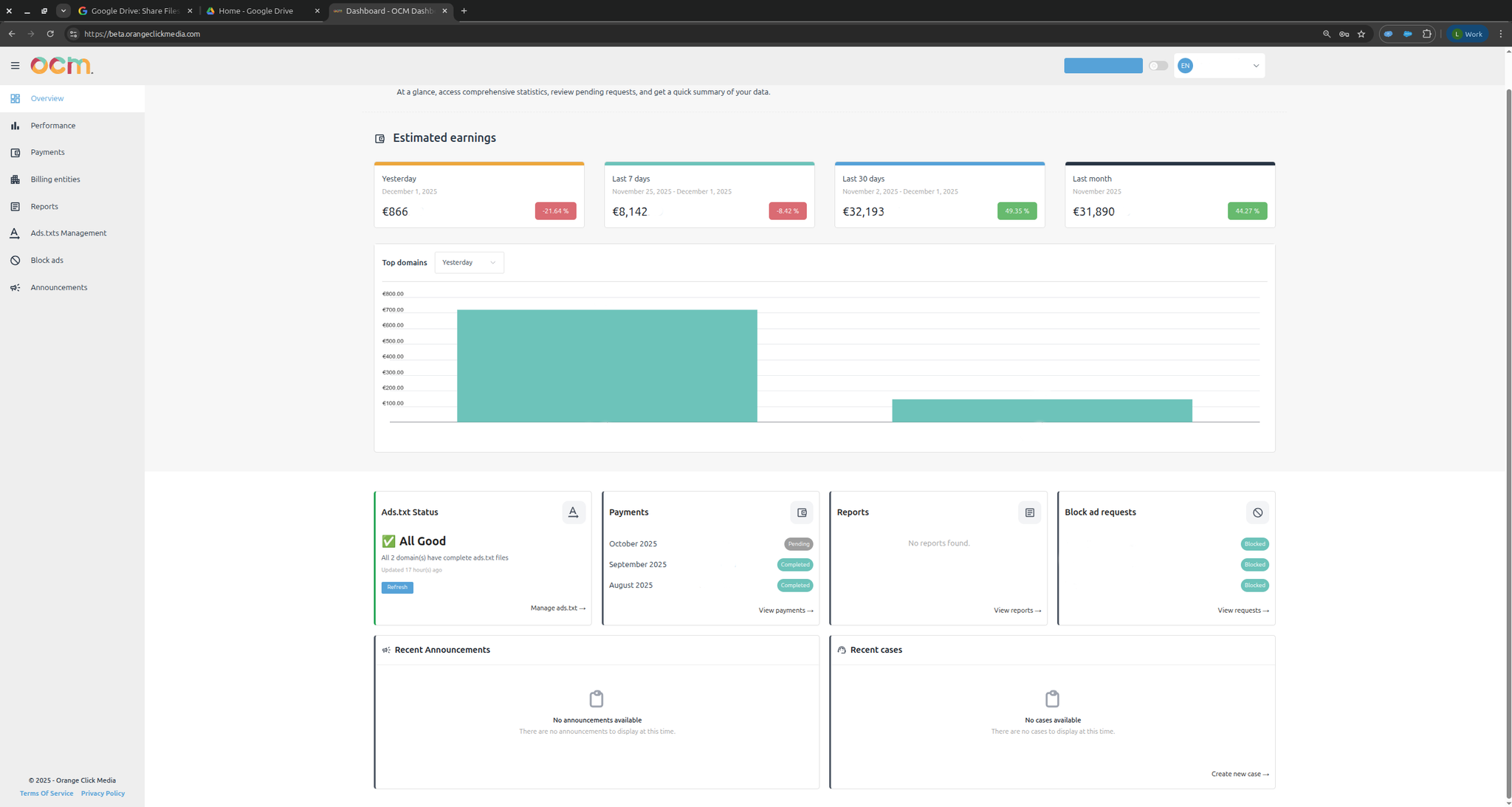
Right at the top, you'll see how your revenue has been performing split by:
Revenue over Time
Check how your earnings changed across different time ranges within the last two months. Spot trends or compare performance easily.
Revenue by Domain
See how each of your domains is doing. Identify top-performing sites and those that may need attention.
Note on Earnings Display
The dashboard shows only the earnings attributed to the publisher. No additional revenue metrics are included.
-
No VAT
All financial values are shown without applying any Value Added Tax (VAT).
-
All values in EUR or USD
Every monetary amount displayed is presented in Euros (€) or USD ($).
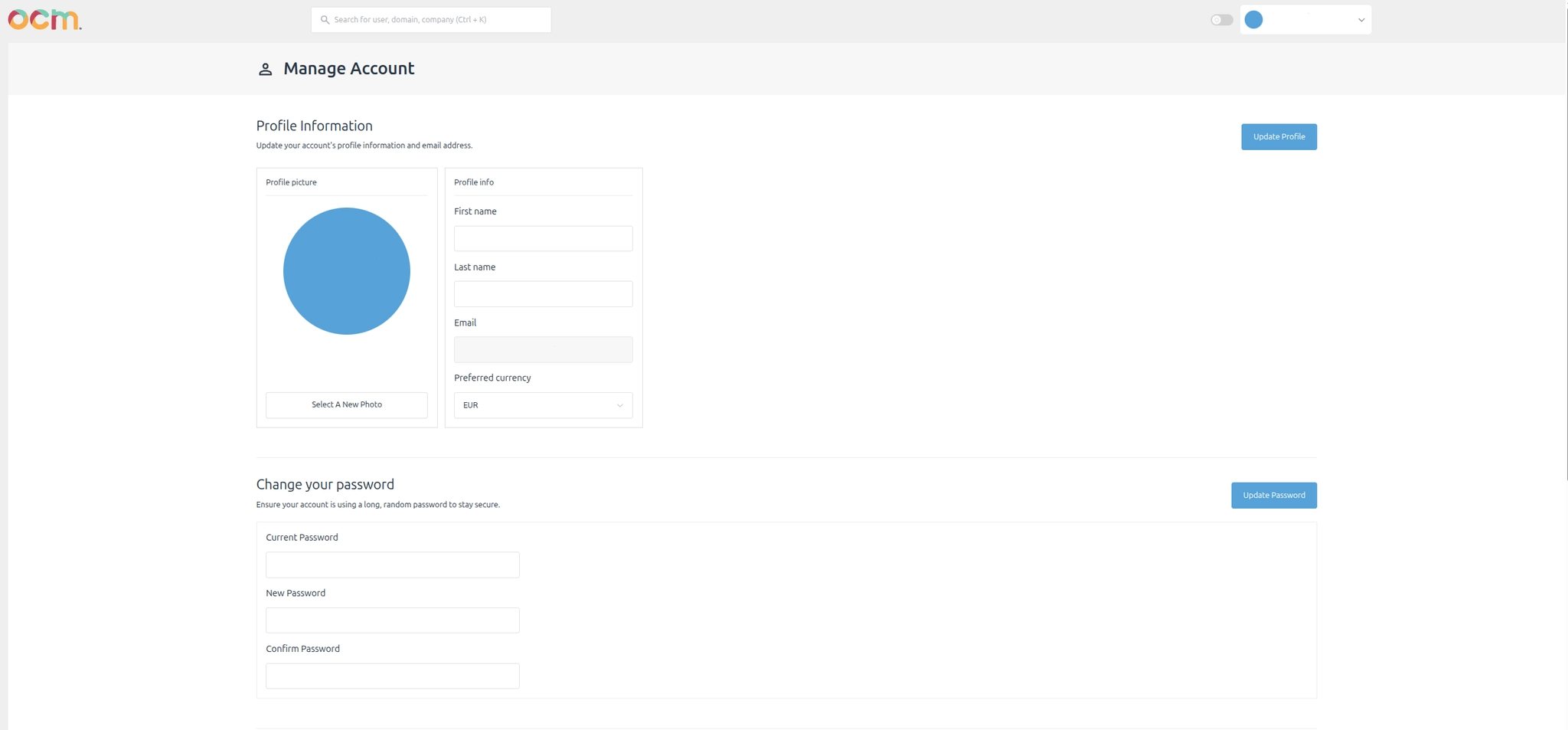
"You can set your default currency directly from your profile page."
-
No buyer-side attribution logic
Attribution is calculated solely from the publisher's perspective; buyer-side attribution is not applied.
-
All impressions shown are paid impressions
Impression counts represent only paid impressions.
Helpful Widgets to Guide You
Below the revenue section, you'll find a set of widgets designed to help you quickly access useful information. Each widget focuses on one specific task:
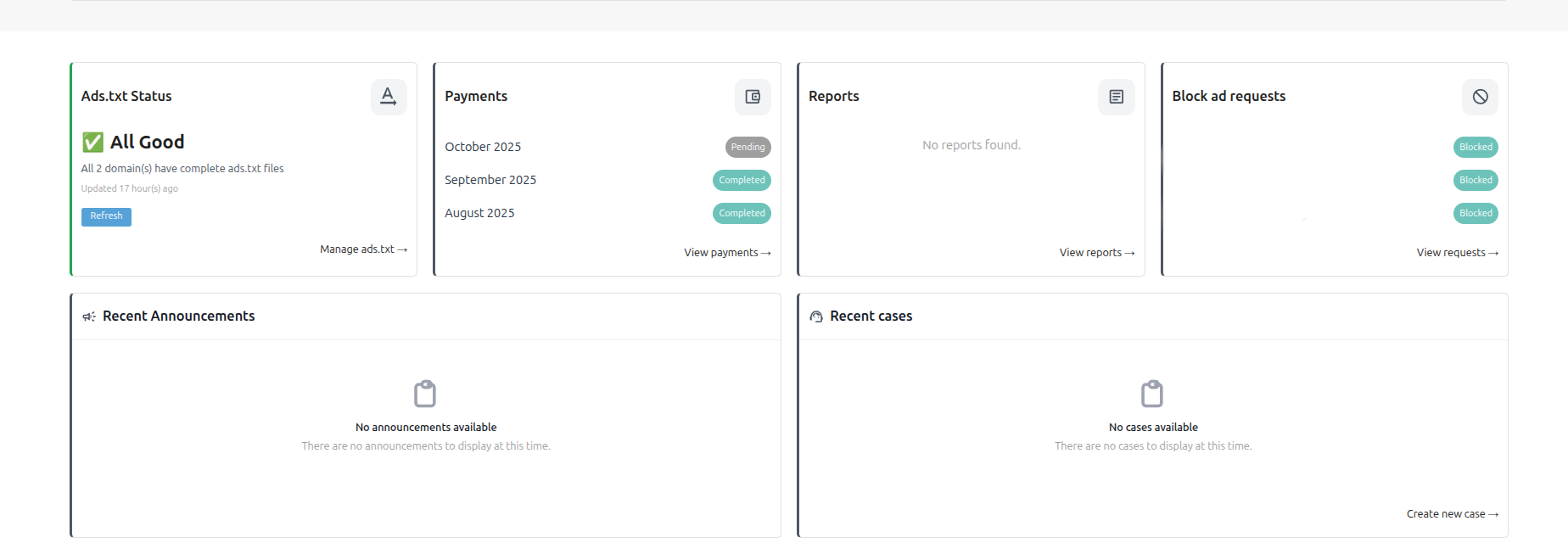
- Ads.txt Status - Check the status of your domains.
- Saved Reports - Your saved report library.
- Last Payments - View your recent payment history.
- Blocked Advertiser Requests - List of your active and past block requests.
- Recent Announcements - Platform updates and alerts.
- Recently Opened Cases - Latest support cases with status. You can now open cases directly via the OCM app.
You can submit a case directly from the new OCM app or using support@orangeclickmedia.com